Coloring
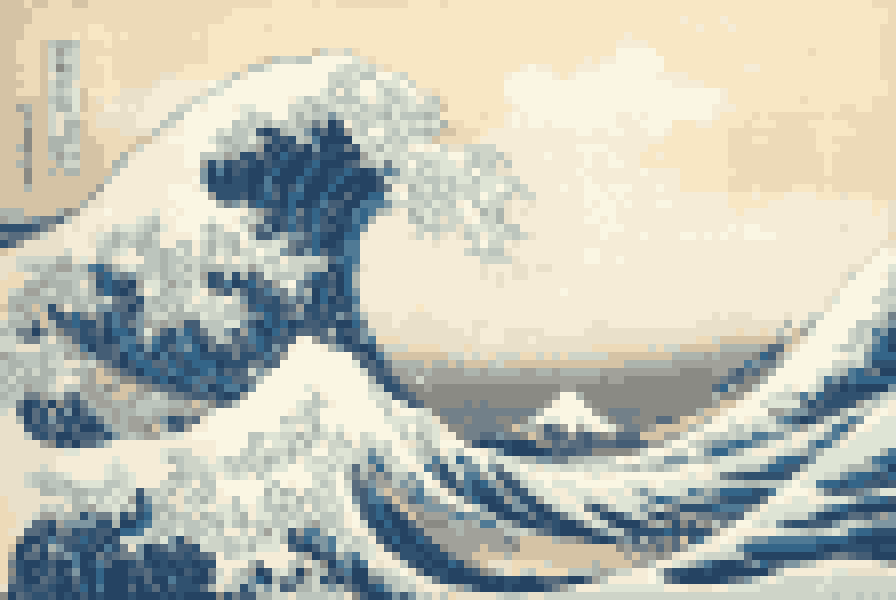
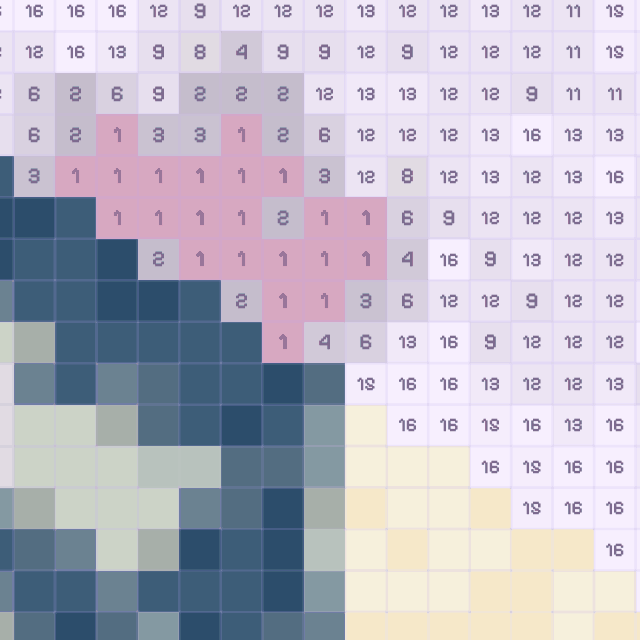
Hokusai’s “The Great Wave off Kanagawa” is 8,400 squares and 20 colors. Zoom in, pick a number, and every square goes “pop”.
- 1
- 2
- 3
- 4
- 5
- 6
- 7
- 8
- 9
- 10
- 11
- 12
- 13
- 14
- 15
- 16
- 17
- 18
- 19
- 20
 Pixelarp
A photo or a museum print becomes a grid of numbered squares. Color it at your own pace, then watch the drawing replay itself.
On iPhone, iPad and Android. No ads.
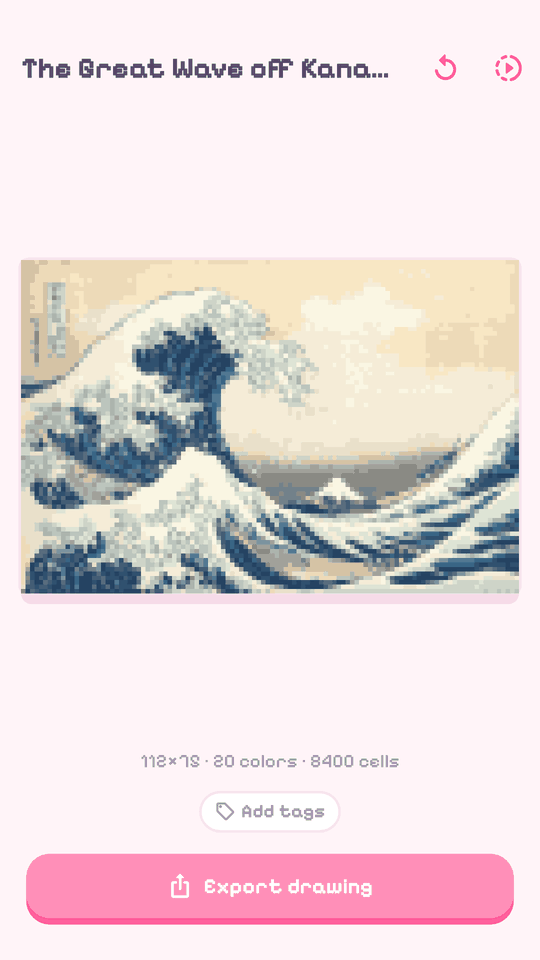
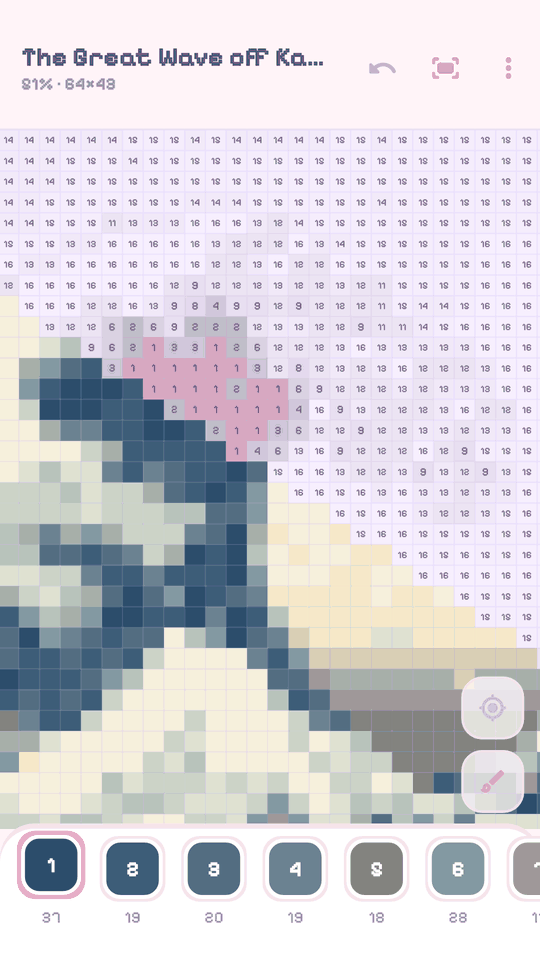
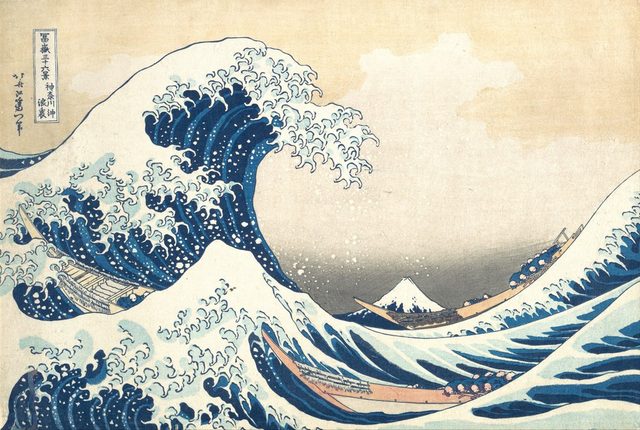
One of your photos, or one of the 60 artworks in the library.
With the brush, square by square, or with the paint bucket.
It goes to your gallery, with its fast-forward replay.
Hokusai’s “The Great Wave off Kanagawa” is 8,400 squares and 20 colors. Zoom in, pick a number, and every square goes “pop”.
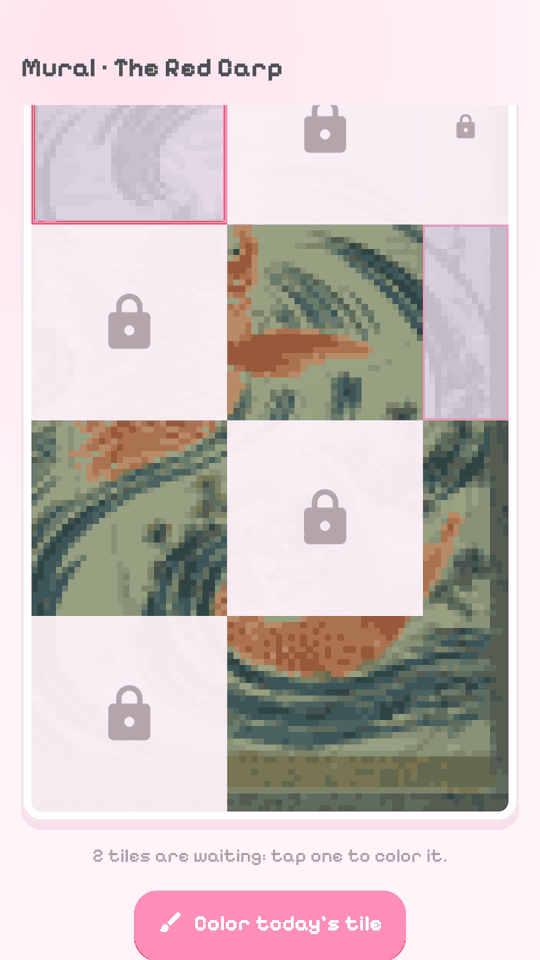
One more tile every day. A missed day can be caught up.
For drawing and animating pixel art, frame by frame, then exporting as PNG, GIF or video. The app icon and this trophy were drawn in it.

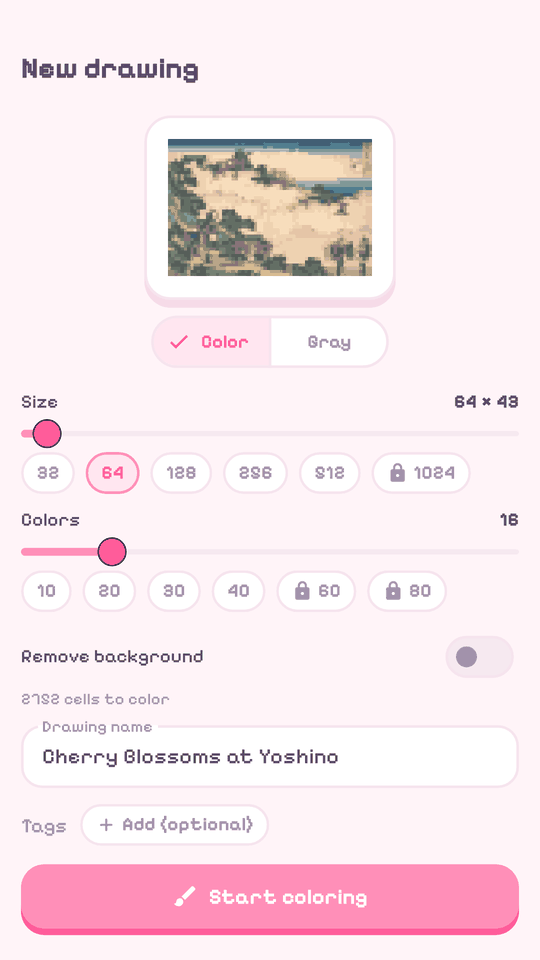
Set the grid size, from 32 to 512 squares per side, and the number of colors. The preview follows.
Every finished drawing earns pixels. They unlock themes for the whole app and are the currency for auctions between players.
Add friends, message each other, and show your best drawings on your profile.
No ads, no tracking, no account required. The private folder never leaves your phone.

Optional. Coloring pages up to 1024 squares per side and 80 colors, an unlimited paint bucket, longer animations.
Mostly Japanese prints, plus animals, landscapes and a few ghosts. All in the public domain.
The Great Wave off KanagawaKatsushika Hokusai TurtleUtagawa Hiroshige
 Porpoise in the WavesAllen & Ginter (carte chromolithographiée)
 Cherry Blossoms at YoshinoKatsushika Hokusai
 The Plum Garden at KamataUtagawa Hiroshige
 Yoshitsune Attacked by the Taira GhostsUtagawa Kuniyoshi
 Scribblings on a Storehouse WallUtagawa Kuniyoshi
 Red FujiKatsushika Hokusai
 The Red CarpUtagawa Toyokuni I
 Whaling off the Gotō IslandsKatsushika Hokusai
 Wisteria at Kameido ShrineUtagawa Hiroshige
 WisteriaKamisaka Sekka